Our most aggressive Hybrid Trap system to date.
Inspired by NXSTY, HEKLER, and ATLiens.
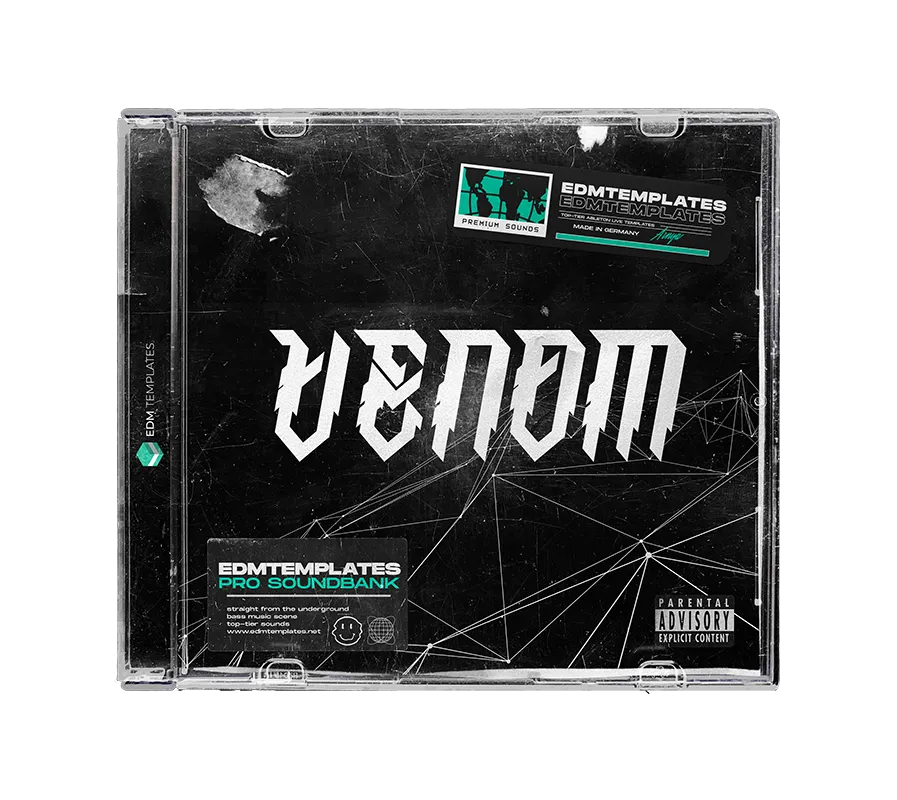
VENOM is a clinical soundbank and project kit engineered for producers chasing raw impact and precision.
Learn professional hybrid trap arrangement using 100% royalty-free MIDI-driven structure.
Inside the Arsenal
✔ 100% MIDI-Programmed Elements Every drum and instrument is programmed in MIDI, allowing you to easily swap samples, transpose patterns, and customize the template instantly.
✔ 30 Filthy Xfer Serum Presets Includes clinical NXSTY, STUCA, and TYNAN-type growls meticulously crafted for modern speaker systems.
✔ Elite Bonus Production Suite Gain access to this fire Template, Audio/MIDI tracks, Master Chain, Mixing Tools, and a dedicated synth booster for faster professional workflow.
✔ 100% Royalty Free Session Deconstruct the logic and use the exported sounds in your commercial productions without limitations or hidden fees.
Core Compatibility
✔ Ableton Live 10.1+
✔ Xfer Serum Required
✔ Windows & Mac Ready
Logic Requirements
✔ Valhalla Room Reverb
✔ kHs Transient Shaper (Opt.)
✔ CPU Optimized Workflow
Ready to build heavier hybrid trap drops?
INSTANT DIGITAL DELIVERY • SECURE CHECKOUT
5 stars: 4 (100%)
4 stars: 0 (0%)
3 stars: 0 (0%)
2 stars: 0 (0%)
1 star: 0 (0%)
M
Matteo S.
It offers great flexibility thanks to the MIDI-programmed sounds. Easy to customize and completely royalty-free, it's an excellent tool to elevate your productions.
P
Paul H.
Venom is a beast. This template helped me get my mix sounding professional.
J
Jennifer G.
The presets included with this template are worth the price alone. Super heavy.