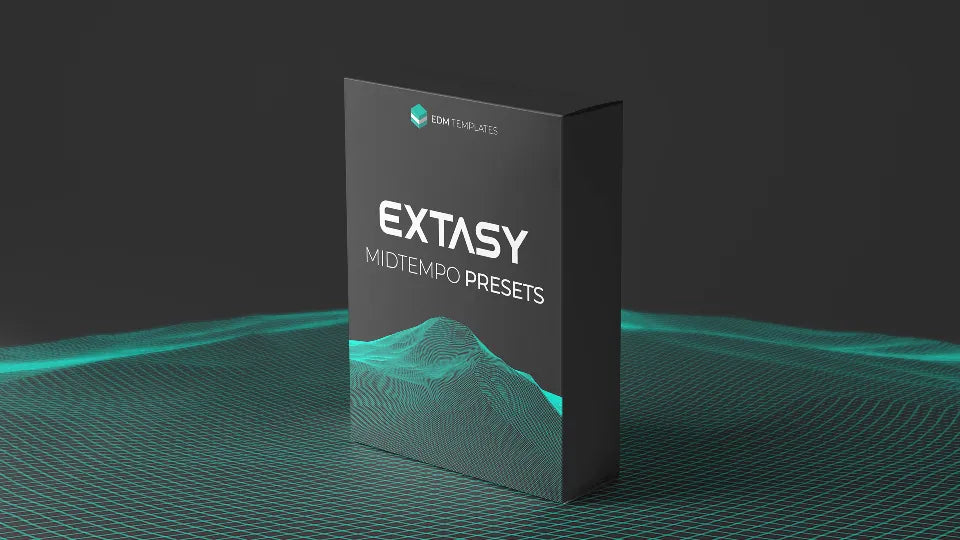
Dive deep into the immersive sound of modern midtempo. Inspired by REZZ, 1788-L, and Gesaffelstein.
EXTASY is a thoughtfully designed soundbank engineered for impactful, genre-specific design. Break through creative barriers with 100% royalty-free tools built for the dark, gritty side of electronic music.
Inside the Toolkit
✔ 50 Expertly-Crafted Serum Bass Presets Artistically tailored bass sounds designed for dark, gritty, and cinematic styles. No filler—every sound is tested in real-world production.
✔ Professional MIDI Support Includes matching MIDI files for every preset, allowing you to tweak, reshape, and inject your own personality into every arrangement.
✔ Huge Ableton Live Construction Kit Study a full project file to master midtempo arrangement, automation, and mixing techniques used by top-tier producers.
✔ Real-World Performance Engineered for instant inspiration with easy drag-and-drop access and 100% royalty-free usage in your commercial projects.
Core Compatibility
✔ Works with Any DAW
✔ Xfer Serum Required
✔ Windows & Mac
Project Specs
✔ Ableton Live 10.0.5+
✔ Standard/Suite Edition
✔ Optimized CPU Usage
Ready to elevate your productions to new heights?
INSTANT DIGITAL DELIVERY • SECURE CHECKOUT
5 stars: 2 (100%)
4 stars: 0 (0%)
3 stars: 0 (0%)
2 stars: 0 (0%)
1 star: 0 (0%)
G
Gregory J.
If you like Rezz or 1788-L you need this. The bass patches are spot on for that style.
M
Matteo S.
I'm very satisfied with EXTASY. It delivers deep, immersive sounds perfect for modern midtempo music. Inspired by artists like 1788-L, REZZ, AWAY, and Gesaffelstein, it provides the sonic firepower needed to stand out in the midtempo scene.