Cyberpunk
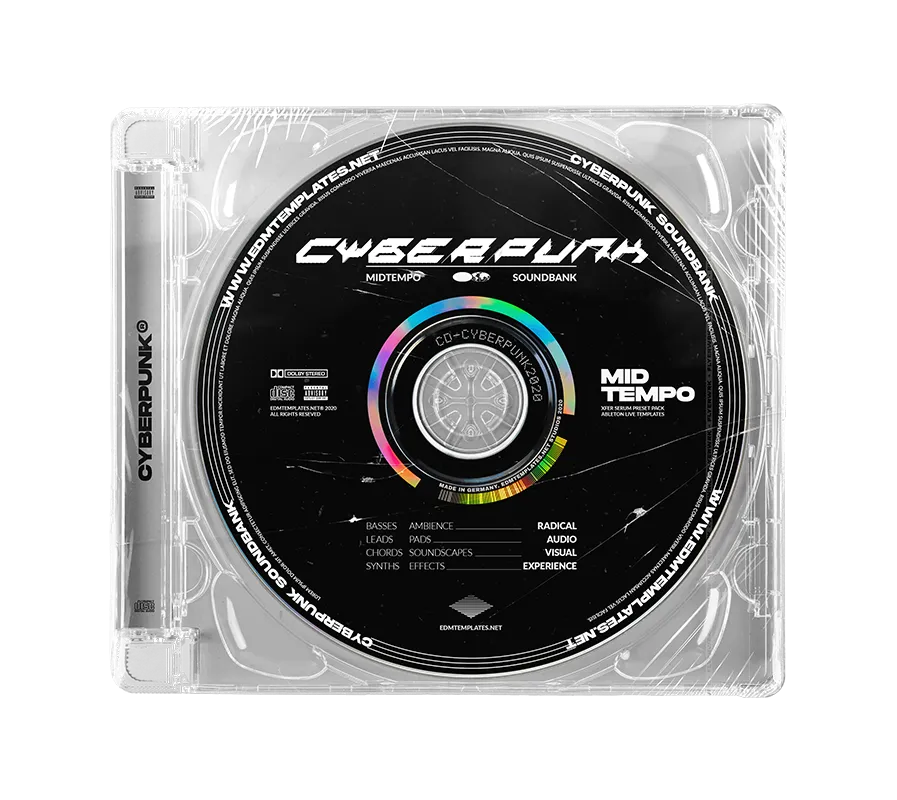
Premium Midtempo Collection
Redefine your sound with a clean, futuristic edge.
140Serum Presets
200+Vocal Samples
5Drop Projects
Prepare to enter the futuristic realm of Cyberpunk production.
A groundbreaking arsenal
built for high-impact Midtempo.
Over 140 pro-grade sounds designed to reshape your sonic identity and push the limits of modern sound design.
The Futuristic Payload
✔ 140 Premium Xfer Serum Presets
Acid basses, cascading arps, screechy synths, and futuristic soundscapes tailored for the grid.
✔ 5 Ableton Live Drop Templates
Build-ups and drop sections straight from the demo. Learn elite Midtempo structure and processing.
✔ 200+ Premium Vocal Samples
Character-rich, futuristic vocal shouts and phrases to add a cyber-human element to your tracks.
✔ Bonus MIDI Idea Files
15 Drop MIDI files to spark instant melodic inspiration and complex rhythmic foundations.
Cyberpunk Vocal Pack Preview
Included Drop Previews
Watch the templates in action (click to watch):
Note:
Only 3 of the 5 included projects are shown here.
All 5 are included in your download.
Preset Requirements
-
✔ Xfer Serum 1.3+
-
✔ Any DAW
Project Requirements
-
✔ Ableton Live 10.1+
-
✔ Serum FX & OTT
-
✔ NR Kickstart
Ready to claim the cybernetic future of your sound?
INSTANT DIGITAL ACCESS • 100% ROYALTY FREE • SECURE CHECKOUT