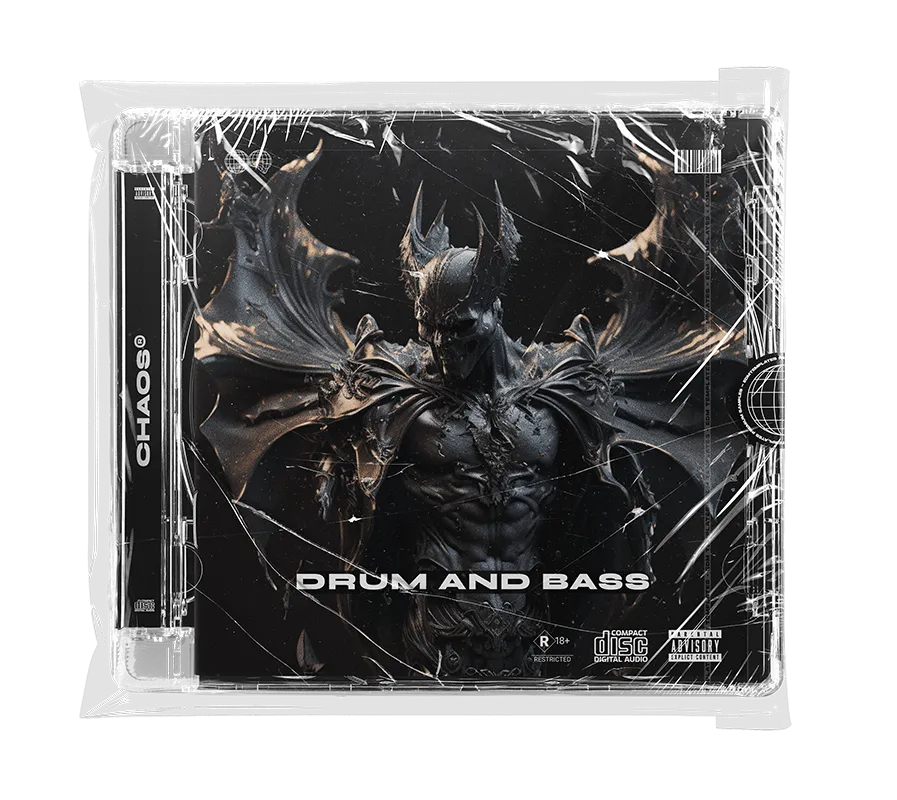
CHAOS
Forward-Thinking Aggressive Drum & Bass
Chaos Showcase
Unleash sonic aggression with an extraordinary collection of modern bass sounds. Inspired by Noisia, Mefjus, and Phace.
Every standalone file in CHAOS is 100% unique! No repeats or filler - delivering a diverse toolset built for high-impact Neurofunk, Halftime, and aggressive Drum & Bass.The Chaos Inventory
✔ 348 Neuro-Drop & Neuro-Reese Tools
A massive library of evolving, gritty, and intricately processed bass weapons engineered to dominate any speaker system.
A massive library of evolving, gritty, and intricately processed bass weapons engineered to dominate any speaker system.
✔ 267 Key-Labeled Professional Drums
A clinical rhythm arsenal including 103 Kicks, 104 Snares, and 60 sharp Cymbals optimized for maximum punch.
A clinical rhythm arsenal including 103 Kicks, 104 Snares, and 60 sharp Cymbals optimized for maximum punch.
✔ 67 Unique Glitches & Textures
Standalone sonic accents and rhythmic glitches designed to add professional movement and complexity to your drop sequences.
Standalone sonic accents and rhythmic glitches designed to add professional movement and complexity to your drop sequences.
✔ Full Ableton Live 11.2.6 Project File
Reverse-engineer the official demo track arrangement and professional mixing workflow to master high-level DnB production.
Reverse-engineer the official demo track arrangement and professional mixing workflow to master high-level DnB production.
Core Compatibility
- ✔ Works with Any DAW
- ✔ Windows & Mac Compatible
- ✔ 100% Royalty Free
Project Specs
- ✔ Ableton Live 11.2.6+
- ✔ CamelCrusher / Xfer OTT
- ✔ GClip (Free)
Ready to elevate your production with the ultimate DnB toolset?
INSTANT DIGITAL DELIVERY • SECURE CHECKOUT • FREE DEMO PACK