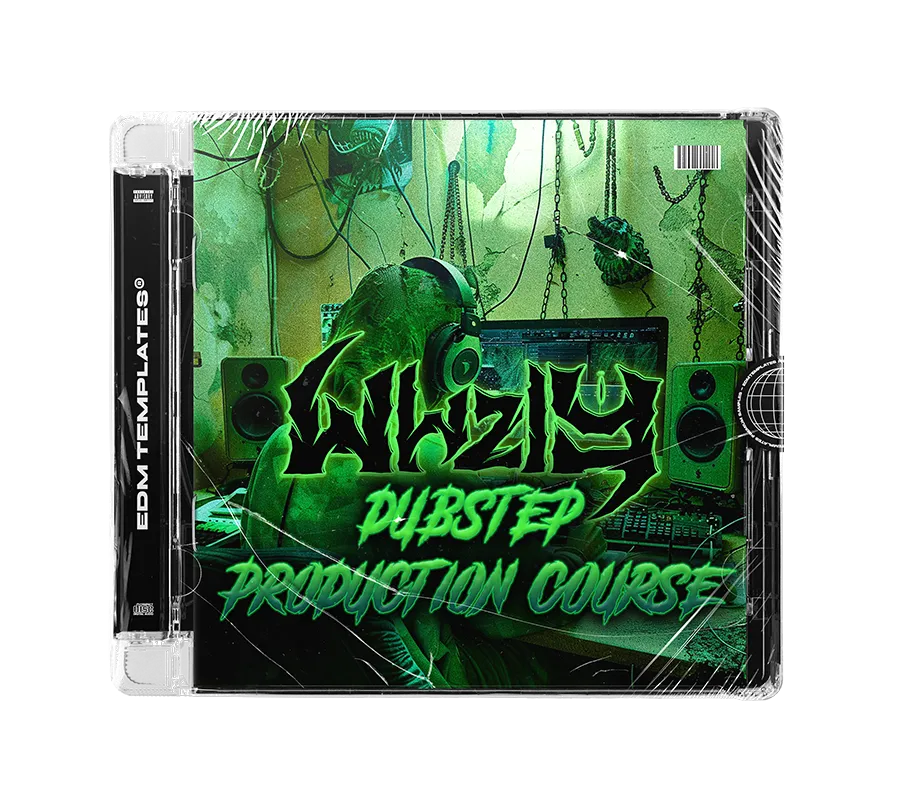
WHZLY x EDMT Dubstep Production Course Coverart

WHZLY'S DUBSTEP PRODUCTION COURSE

Regular price $79.99 Sale price$24.99
/
Tax included.
EDM Templates Payment Option Icons

WHZLY's Production Course

Master the Art of Professional Bass Music

145 MINSCourse Runtime
9Detailed Episodes
FULLProject File

Level up your skills with an industry masterclass. Learn the secrets of WHZLY
(DIM MAK, RAM, BUYGORE)

This in-depth course reveals the innovative techniques used to create heavy, wonky, and innovatve tracks that will take your sound to another GALAXY.

Inside the Masterclass

✔ 9-Episode Production Journey
Covers Template Rundown, Intro Atmospheres, Building Tension, Vocal Processing, and 2 Complete Drop-Writing sessions.
✔ Completed "Galaxy" Project File
Explore the full Ableton session. Study arrangement, layering, and high-impact sound design first-hand.
✔ Signature Ableton Effect Racks
Includes WHZLY’s Predrop Vocal Rack, Atmosphere Rack, and additional custom devices ready for your own tracks.
✔ Professional Workflow Breakdown
Learn every aspect of modern dubstep production from a True Bass Music Master on renowned labels.

The Finished Track

Compatibility

  • Any DAW (Videos)
  • Xfer Serum
  • 100% Royalty Free

Project Requirements

  • Ableton 12.0 or newer
  • Kickstart 2
  • kHs Tape Stop / Shaper

Ready to master the craft of professional dubstep?

INSTANT DIGITAL ACCESS • SECURE CHECKOUT • 100% ROYALTY FREE

FAQs

Samples and presets can be used in any DAW. For Serum and Phase Plant 2 presets, all you need is the Xfer Serum or Phase Plant 2 synth plug-in. Project files can be used with Ableton Live or FL Studio, depending on your purchase.

Serum 1: Navigate to Serum's top-right menu, choose 'Show Serum Presets Folder,' and then drag and drop our presets (.fxp files) into the opened Serum presets folder.

Serum 2: Drag the ".SerumPack" file anywhere onto the Serum 2 interface to install the pack, you will then see our packs under "Packs>EDM TEMPLATES".

Watch our tutorial here

To reveal the preset browser, click on the Browse button next to the Phase Plant 2 logo. Choose User, and you will find the folder path on the right side of the icon.

Drag and drop our presets (.phaseplant files) into the User presets folder we opened via Phase Plant 2.

You will receive a download link instantly after payment is made. Also, you will receive an email with a download link.

Yes, all our products are 100% royalty-free, see the End User License Agreement in your pack for more information.

Get in touch with us at contact@edmtemplates.net or team@edmtemplates.net