Ultimate Tearout Dubstep Collection Vol. 3
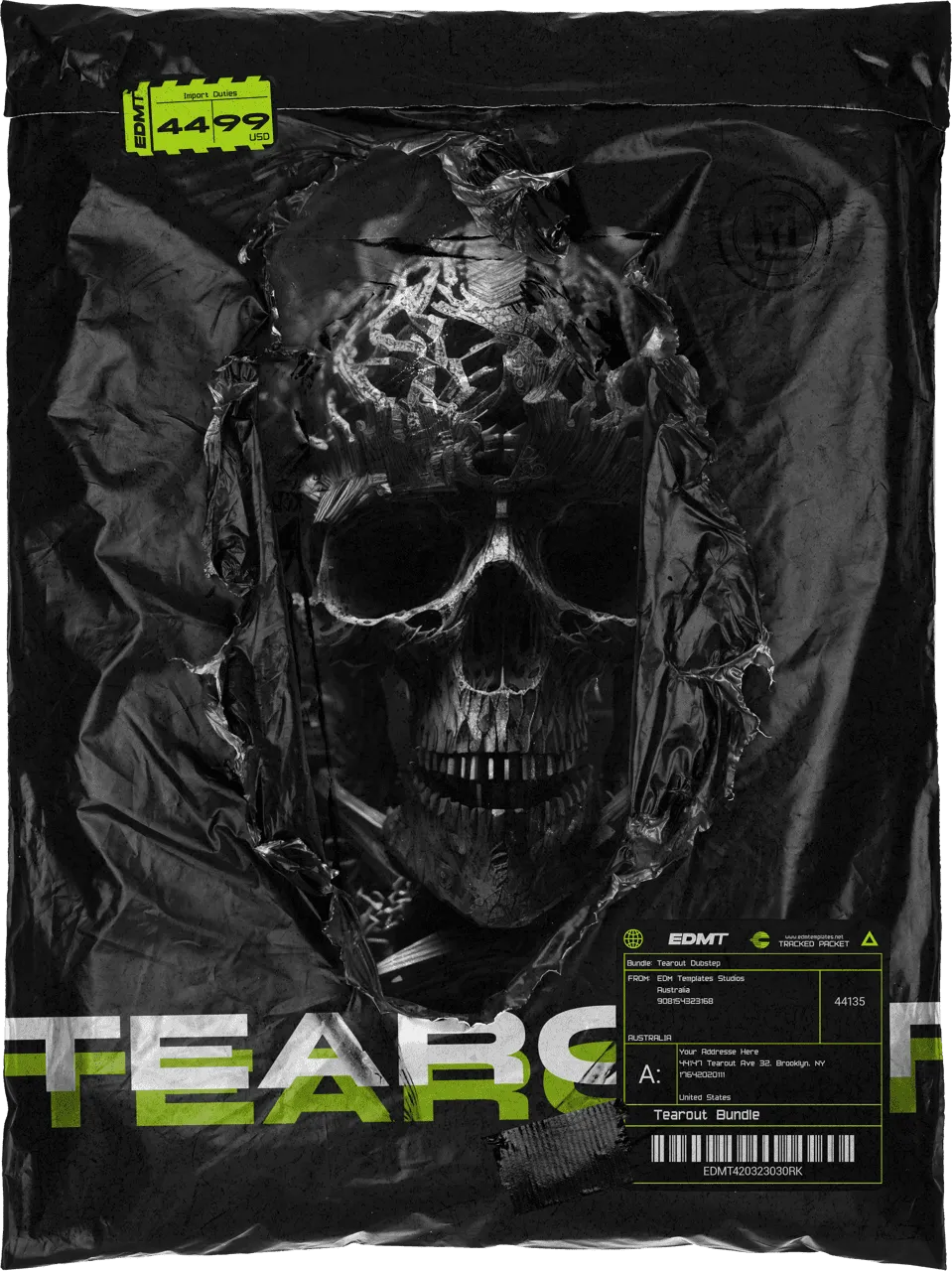
Prepare for a full-force upgrade to your sound. This colossal bundle delivers everything you need to build devastating drops and evolve your tearout dubstep production. Featuring a curated selection of presets, samples, MIDI, vocals, and project files, this collection is loaded with pure firepower.
The Powerhouse Payload:
✔ 400 Premium Serum Presets
Advanced bass design, leads, and FX for the modern tearout sound.
✔ 300 Heavyweight Bass Samples
High-impact .WAV hits and loops designed for maximum brutality.
✔ 5 Complete Ableton Project Files
Full tracks and 12 custom Racks to study and deconstruct.
✔ 192 Versatile MIDI Files
Instant inspiration for complex rhythms and aggressive arrangements.
Samples & Presets
Universal Compatibility:
- ✔ Any DAW
- ✔ Serum 1.341 or higher
- ✔ 100% Royalty Free
Core Project Req.
Required for Ableton Projects:
- ✔ Ableton Live 11.1.6+
- ✔ Serum 1.357+
- ✔ CamelCrusher, OTT, GClip
Optional Enhancements
Used in specific tracks for advanced processing (not required to open files):
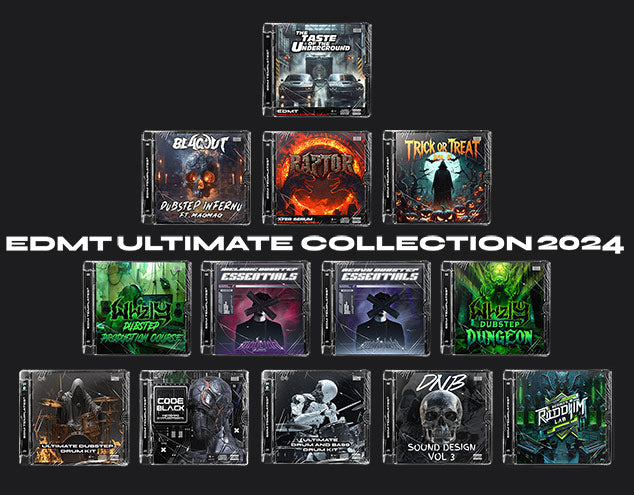
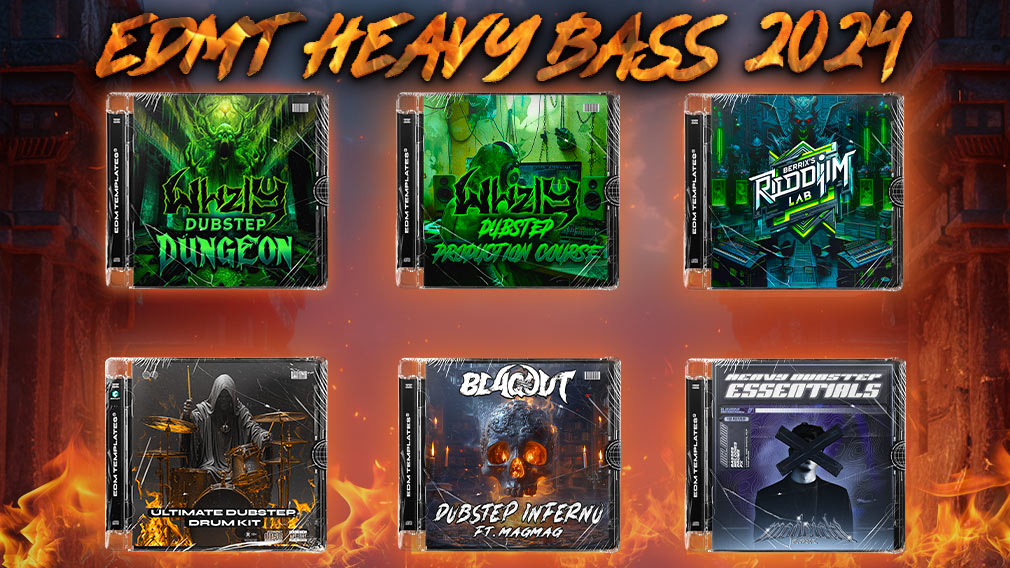
Included Packs
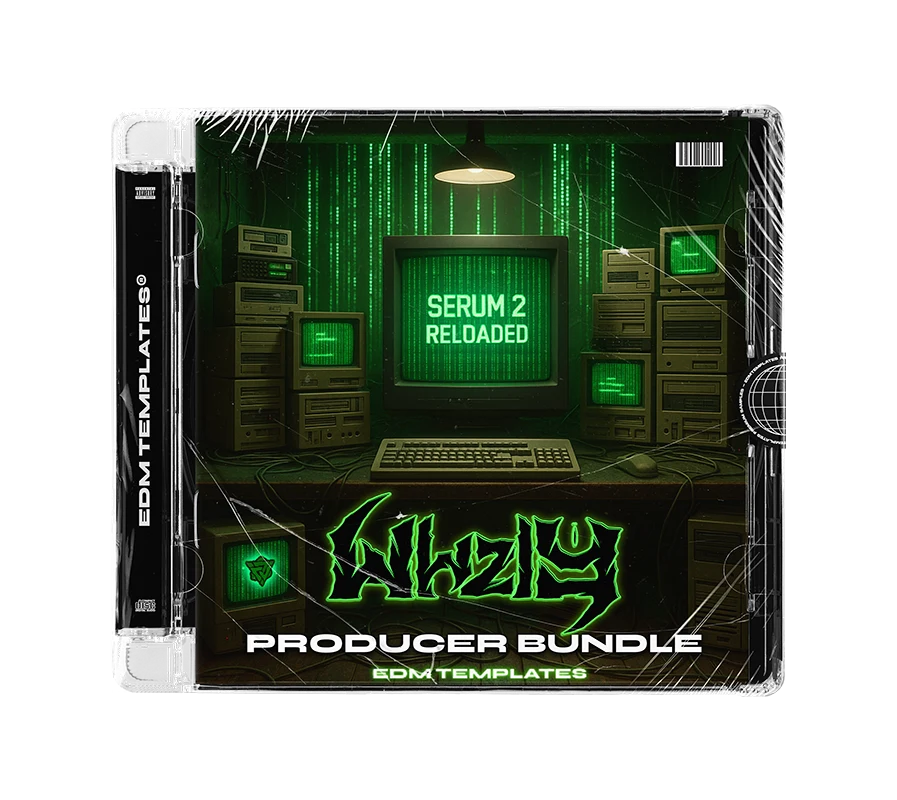
BUNDLE EXCLUSIVE: High-octane tearout toolkit with aggressive sound design.
Pro-grade Serum presets focused on technical bass and sonic clarity.
Pure adrenaline-fueled presets and samples for the heaviest drops.
Complete Ableton Live template showing you exactly how a pro-level track is built.
BONUS: 50 aggressive vocal shouts to give your drops that final edge.
The ultimate toolkit for high-impact production. Ready to dominate?
SECURE CHECKOUT • INSTANT DIGITAL DELIVERY
GET THEM ALL
FAQs
Samples and presets can be used in any DAW. All you need for Xfer Serum or Phase Plant 2 presets is the Xfer Serum or Phase Plant 2 synth plug-in. An included project file-s can be used with Ableton Live only.
Serum 1: Navigate to Serum's top-right menu, choose 'Show Serum Presets Folder,' and then drag and drop our presets (.fxp files) into the opened Serum presets folder.
Serum 2: Drag the ".SerumPack" file anywhere onto the Serum 2 interface to install the pack, you will then see our packs under "Packs>EDM TEMPLATES".
Watch our tutorial here
To reveal the preset browser, click on the Browse button next to the Phase Plant 2 logo. Choose User, and you will find the folder path on the right side of the icon.
Drag and drop our presets (.phaseplant files) into the User presets folder we opened via Phase Plant 2.
You will receive a download link instantly after payment is made. Also, you will receive an email with a download link.
Yes, all our products are 100% royalty-free.
Get in touch with us: contact@edmtemplates.net, team@edmtemplates.net