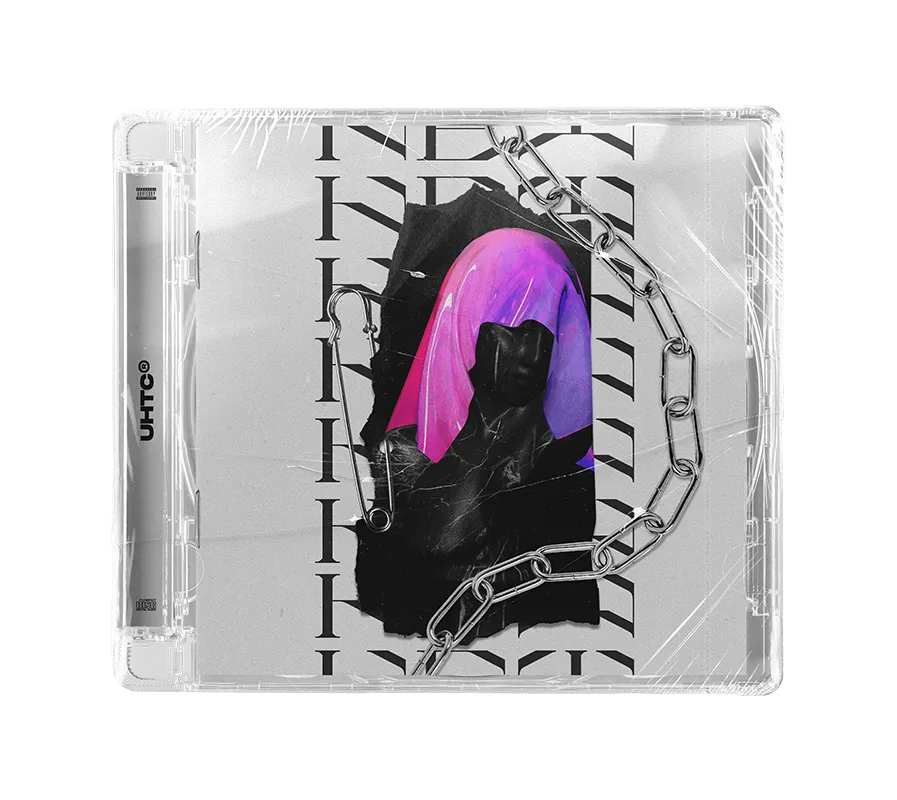
Ultimate Hybrid Trap Collection
UHTC is a next-level modern hybrid trap Serum preset pack. Loaded with over 570 professionally designed sounds and 10 release-ready Ableton Live project files, this collection is built for producers who demand maximum impact and sonic precision.
The Powerhouse Payload:
✔ 141 Premium Xfer Serum Presets
Screamy layers, powerful growls, reese bases, and complete drop synths.
✔ 430 Heavyweight WAV Samples
Punchy drums, bass one-shots, buildup loops, and cinematic textures.
✔ 10 Release-Ready Ableton Projects
Fully mixed and mastered templates hitting club-standard LUFS levels.
✔ Bonus: 50 Racks & 61 MIDI Loops
Custom processing chains and instant melodic/rhythmic inspiration.
Core Compatibility
Universal Tools:
- ✔ Any DAW (Samples/MIDI)
- ✔ Serum 1.3+
- ✔ 100% Royalty Free
Project Req.
To open the project files:
- ✔ Ableton Live 10.1+
- ✔ LFO Tool, Serum FX
- ✔ ValhallaRoom Reverb
Optional Enhancements
Used in select project files (not required to open):
Included Project Previews
click to preview
Aggressive drop sequences and technical sound design showcase.
Full track template. Dark, gritty, and industrial hybrid trap vibes.
High-energy arrangement with focus on massive low-end and punchy drums.
Cinematic intros and destructive drops. A masterclass in energy control.
Festival-ready weapon. Reverse-engineer the processing of a pro release.
Master the next wave of Hybrid Trap. Ready to dominate?
SECURE CHECKOUT • INSTANT DIGITAL DELIVERY
RECOMMENDED
FAQs
Samples and presets can be used in any DAW. For Serum and Phase Plant 2 presets, all you need is the Xfer Serum or Phase Plant 2 synth plug-in. Project files can be used with Ableton Live or FL Studio, depending on your purchase.
Serum 1: Navigate to Serum's top-right menu, choose 'Show Serum Presets Folder,' and then drag and drop our presets (.fxp files) into the opened Serum presets folder.
Serum 2: Drag the ".SerumPack" file anywhere onto the Serum 2 interface to install the pack, you will then see our packs under "Packs>EDM TEMPLATES".
Watch our tutorial here
To reveal the preset browser, click on the Browse button next to the Phase Plant 2 logo. Choose User, and you will find the folder path on the right side of the icon.
Drag and drop our presets (.phaseplant files) into the User presets folder we opened via Phase Plant 2.
You will receive a download link instantly after payment is made. Also, you will receive an email with a download link.
Yes, all our products are 100% royalty-free, see the End User License Agreement in your pack for more information.
Get in touch with us at contact@edmtemplates.net or team@edmtemplates.net